FOOD · HOW IT WORKS
Weekly Specials
Pick this week's dishes and get a full matching pack of posts, stories and menu boards in one click.
- 1
Choose your dishes
Upload photos of this week's specials or reuse ones you've already created.
- 2
Add the offer
Type the deal — '2 for £12', 'Burger Tuesday', 'Kids eat free'.
- 3
Get the pack
We create feed posts, stories and a menu board in your brand style.
- 4
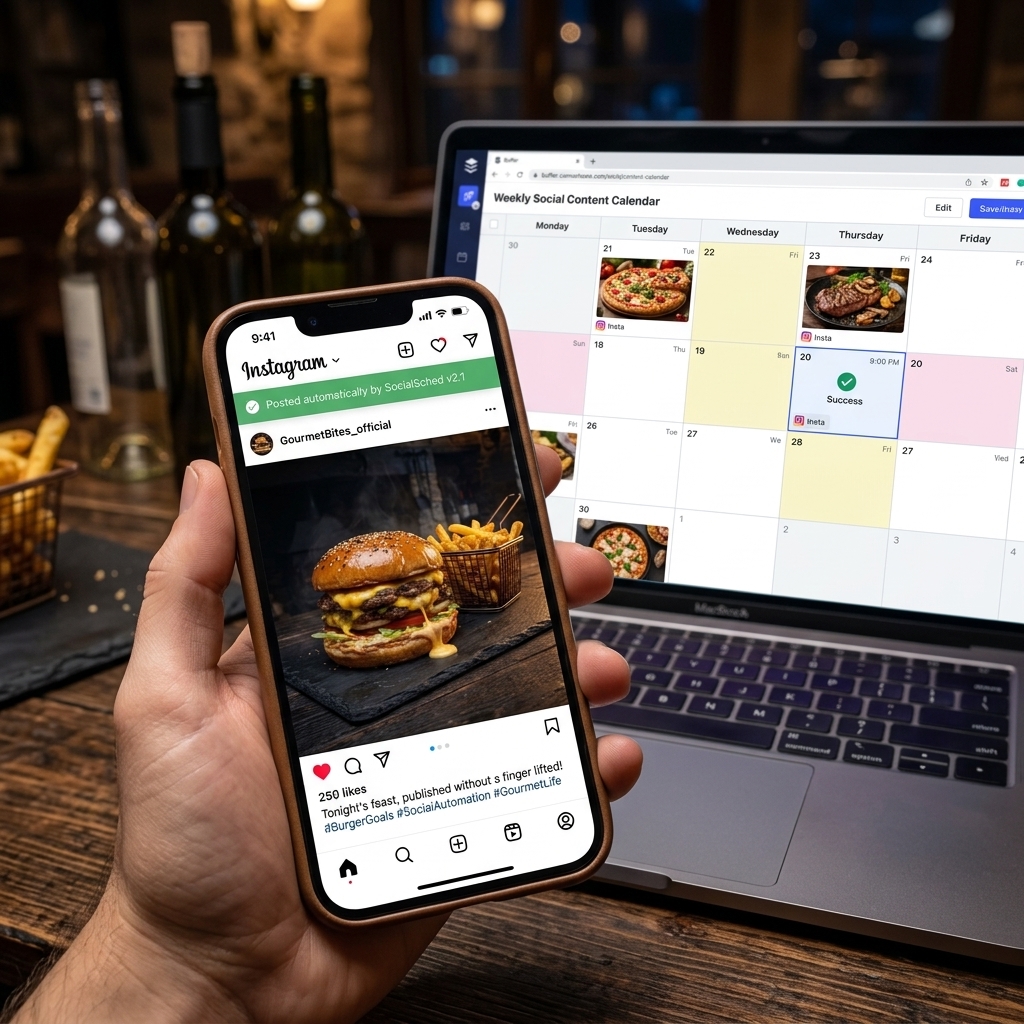
Schedule it
Drop the pack straight onto the Social Planner calendar.

⇆
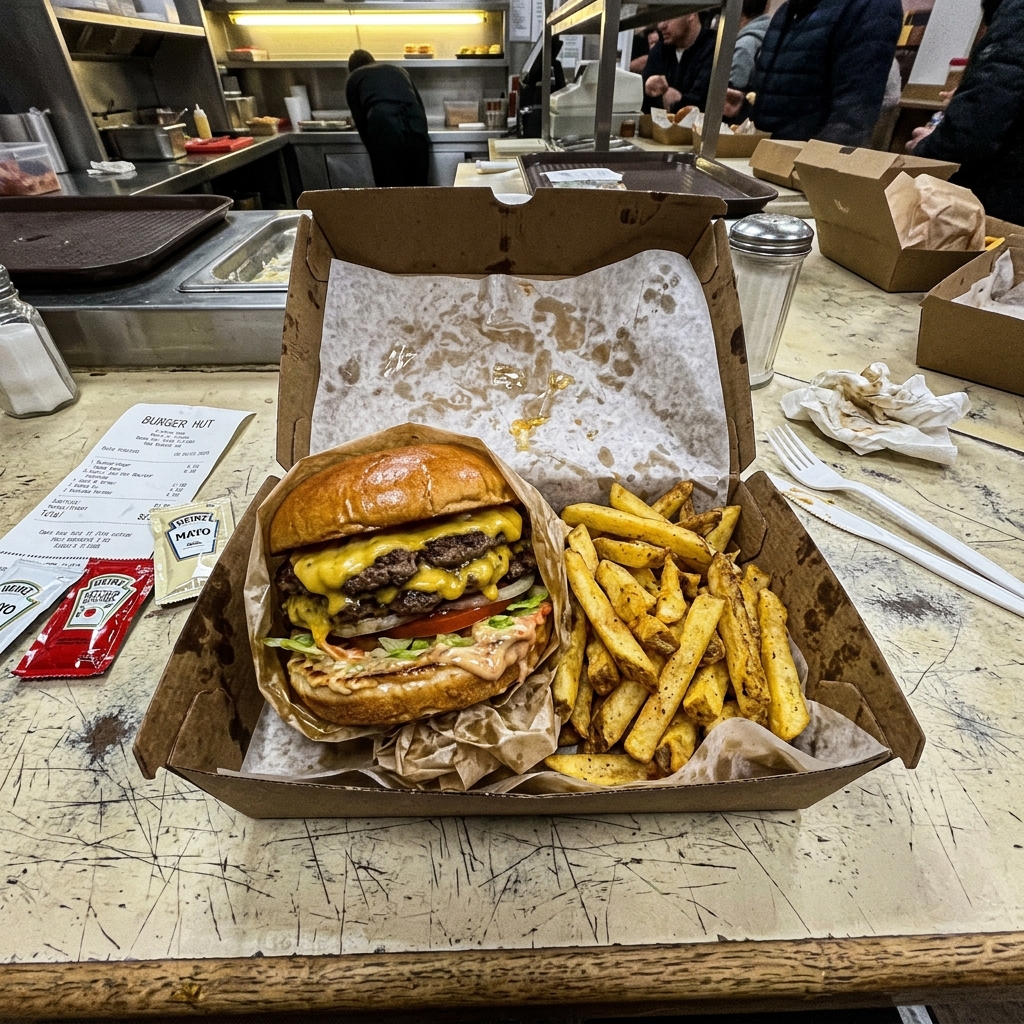
BEFOREAFTERDrag the slider: phone photo on the left, seller.photos result on the right.
PRO TIPS
- Keep offer text short — 3 to 5 words reads best on phones.
- Post specials 1–2 days before the day they run.