FOOD · HOW IT WORKS
Food & Restaurants
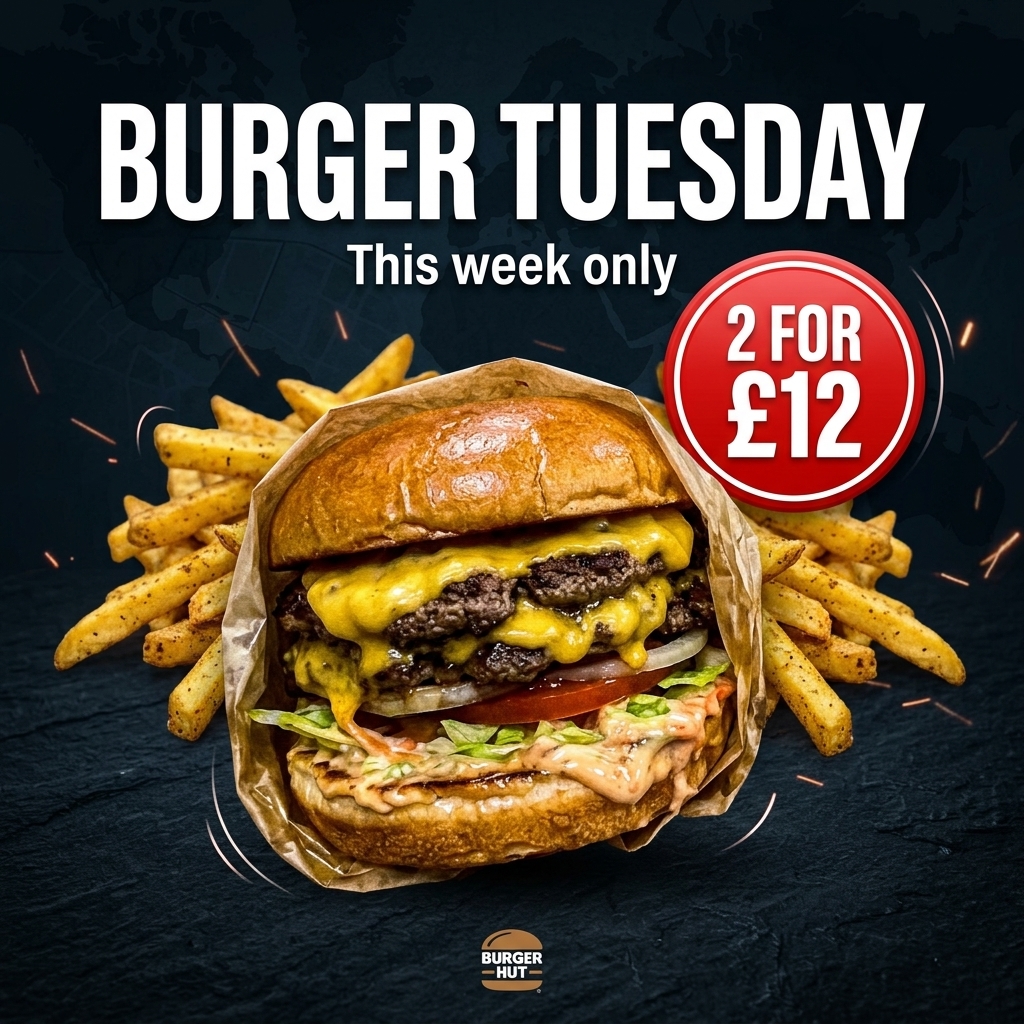
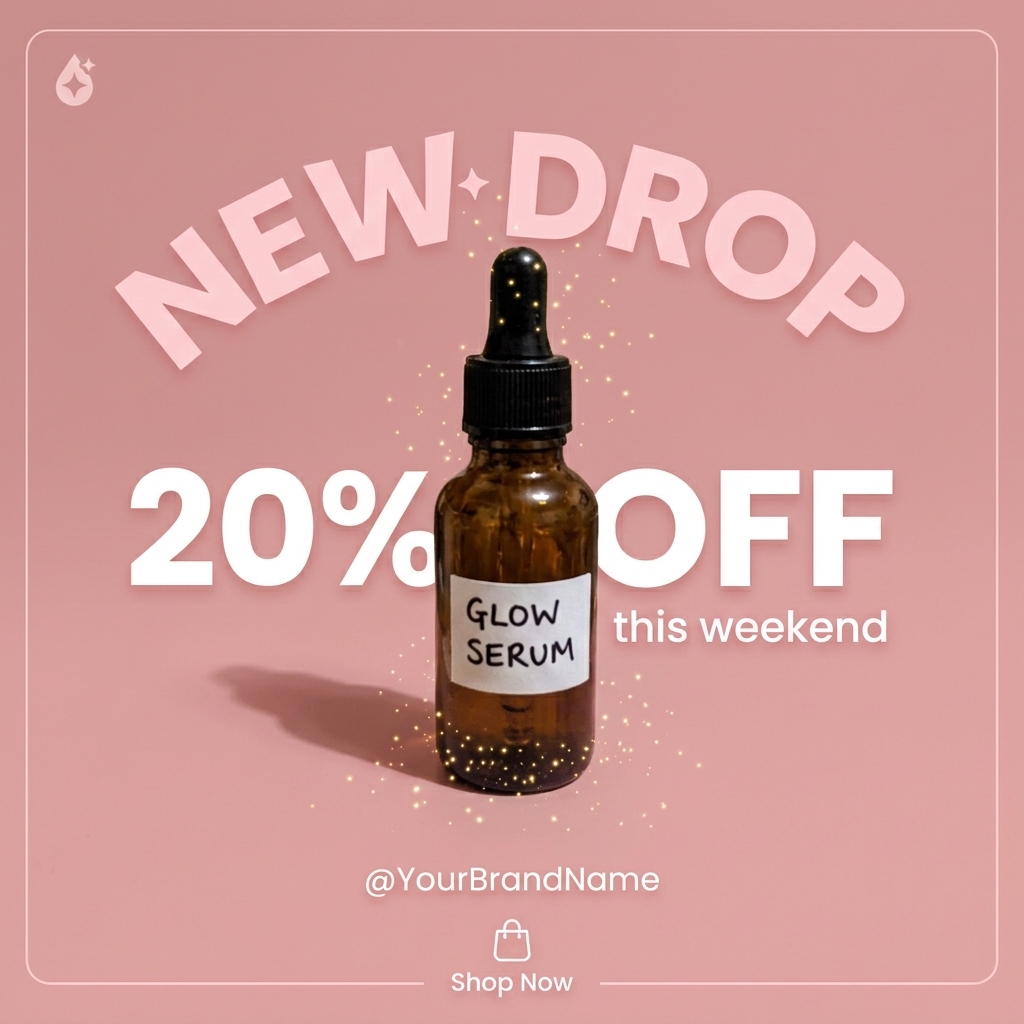
Turn a quick phone snap of any dish into menu-worthy hero shots, delivery-app photos and promo graphics.
- 1
Snap your dish
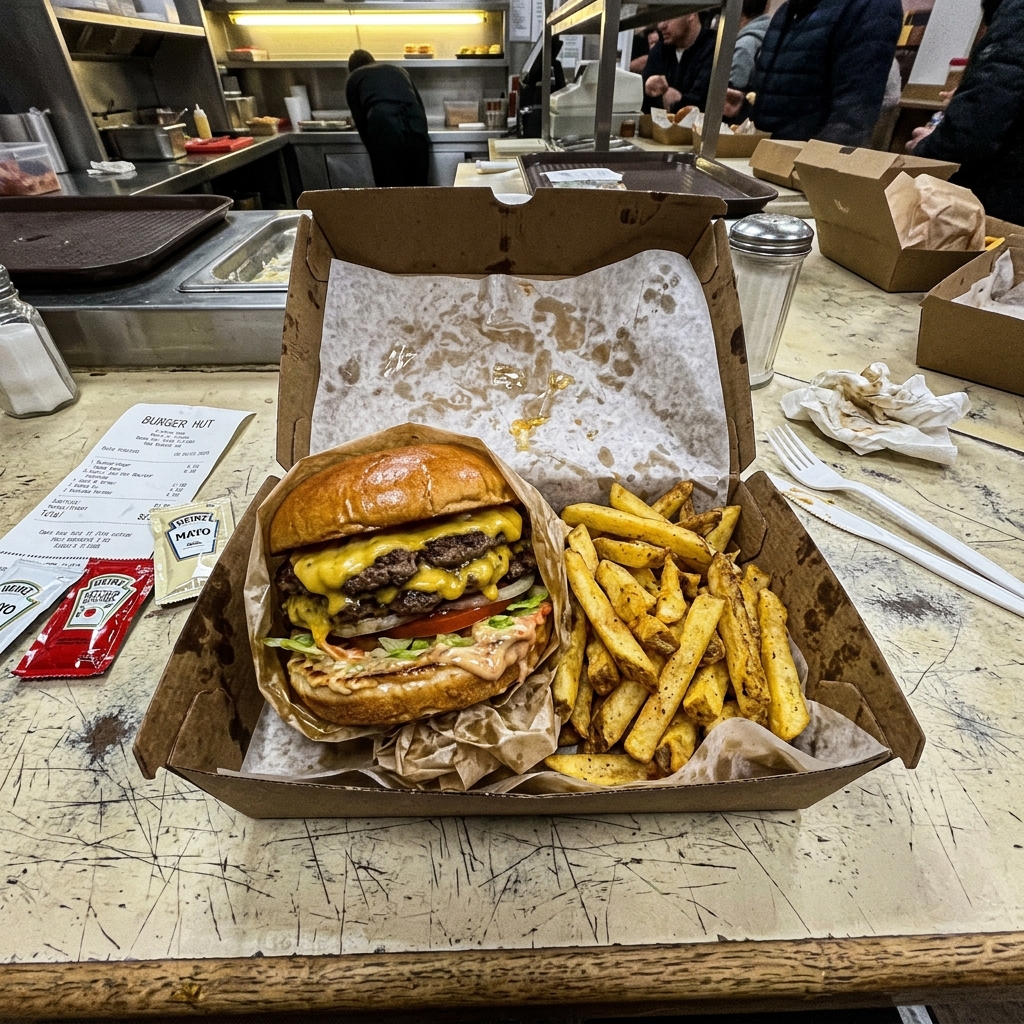
Take a photo on your phone — any light, any plate, even in the takeaway box.
- 2
Pick the look
Choose hero shot, menu photo, delivery-app sizes or a promo graphic, and add your Food Brand Kit.
- 3
Generate in 2K or 4K
Get several styled versions in under a minute. 2K costs 1 credit, 4K costs 2.
- 4
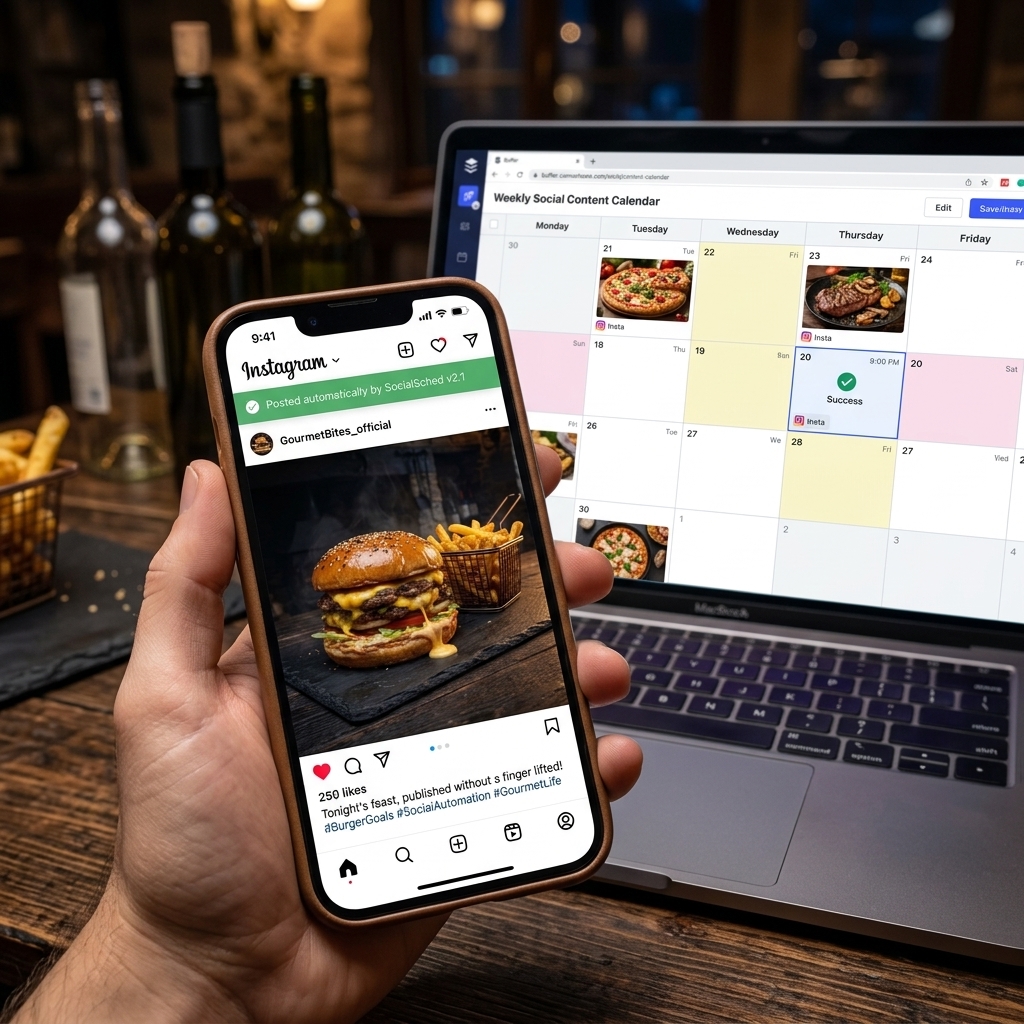
Export everywhere
Download single images or a ZIP sized for Uber Eats, Deliveroo, Just Eat and DoorDash.
⇆
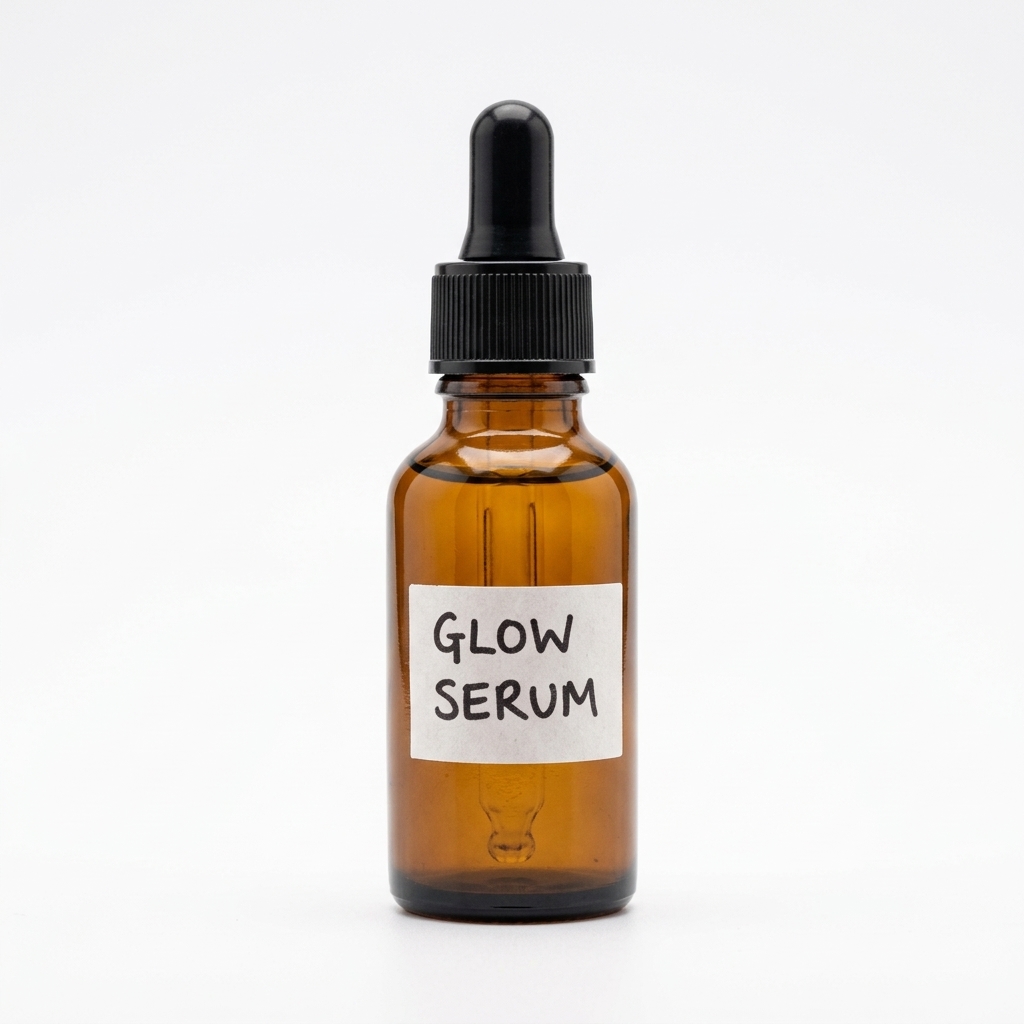
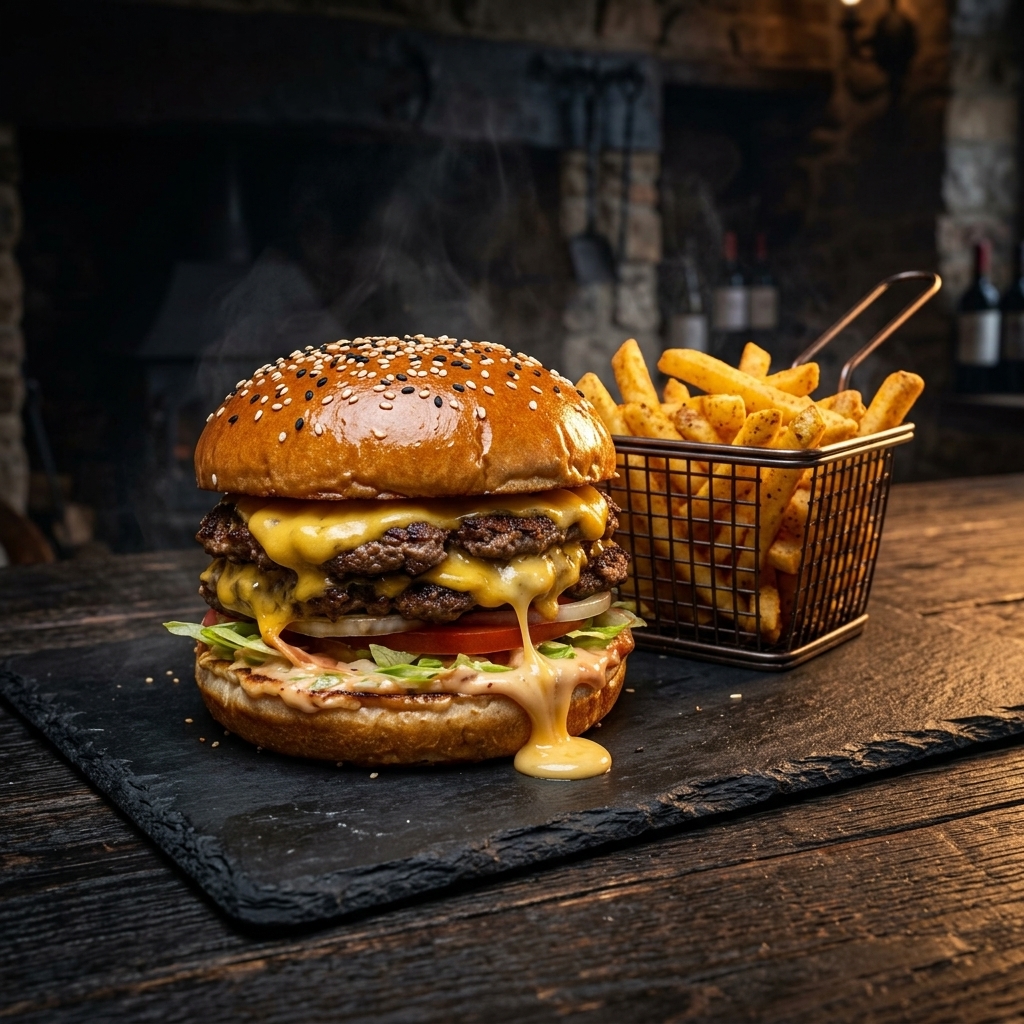
BEFOREAFTERDrag the slider: phone photo on the left, seller.photos result on the right.
PRO TIPS
- Shoot from 45° for burgers and bowls, top-down for pizzas and platters.
- Keep the food itself real — the AI restyles plates, light and background, not your recipe.
- Save your colours and logo in a Food Brand Kit so every post matches.