
SOCIAL MEDIA · HOW IT WORKS
Social Planner & Auto-Post
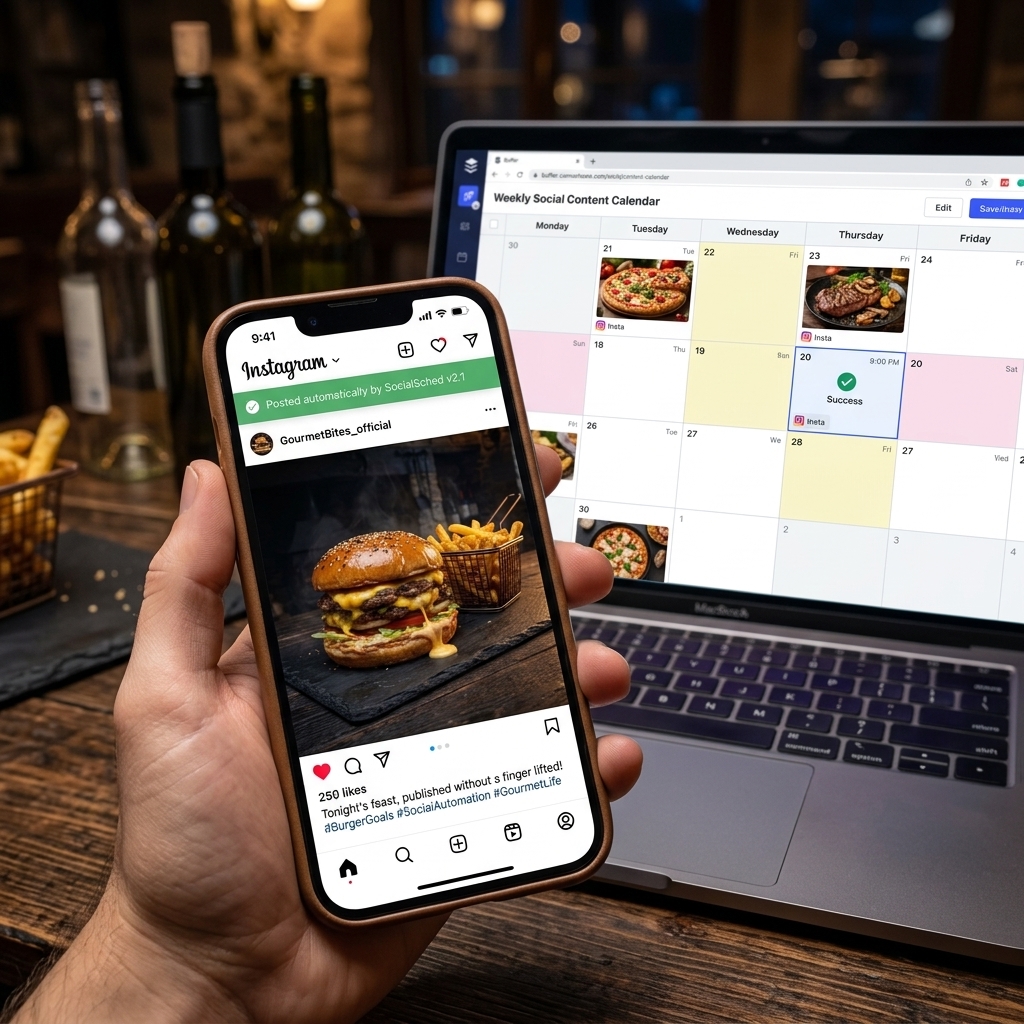
Plan a month of content on a calendar and let seller.photos publish it for you.
- 1
Pick an image
Choose any image you've created.
- 2
Write captions with AI
Get a caption and hashtags per network, in your brand voice.
- 3
Schedule
Pick a date and time — or several networks at once.
- 4
Auto-publish
With Social Auto-Post your posts go live automatically. Without it you get a reminder with one-click download and copy.
⇆
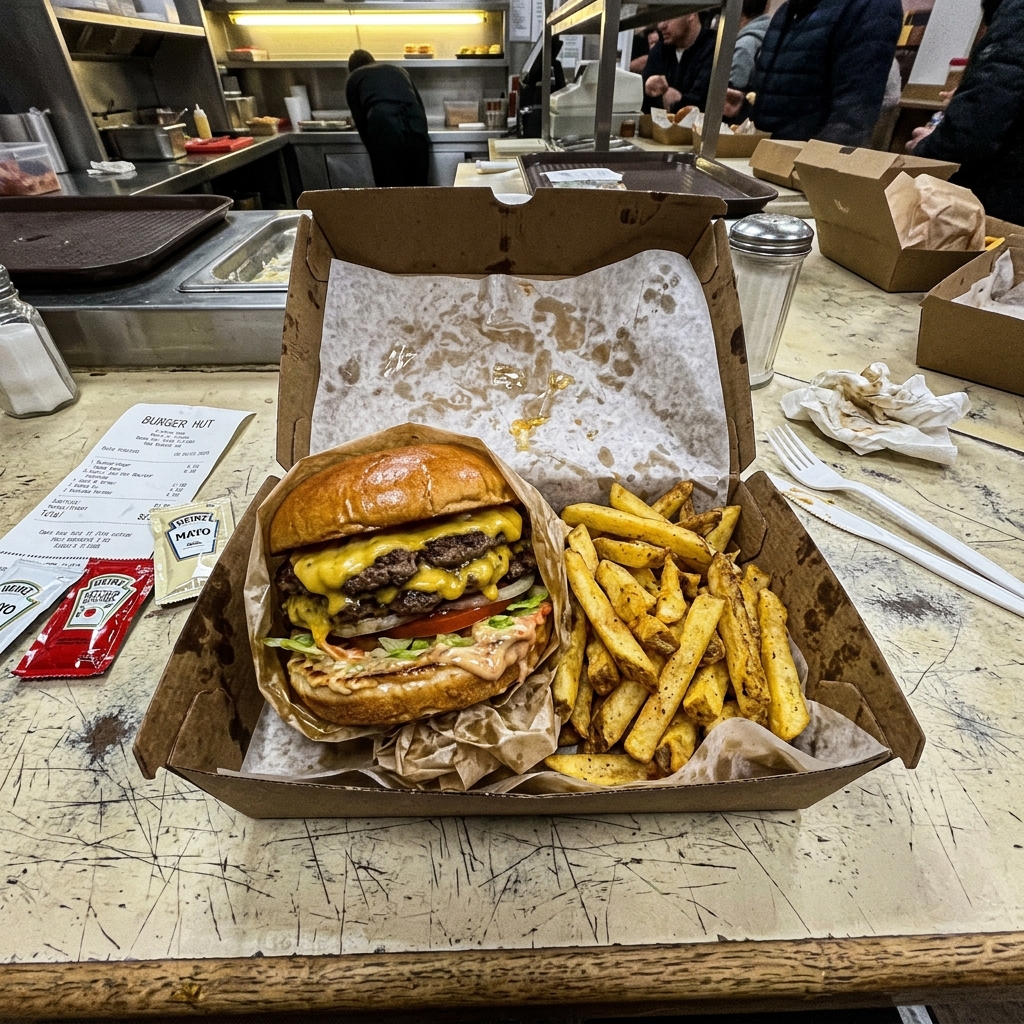
BEFOREAFTERDrag the slider: phone photo on the left, seller.photos result on the right.
PRO TIPS
- Post at your busiest ordering times — lunch (11–12) and dinner (5–7).
- Aim for 3–5 posts a week to stay visible.