TOOLS · HOW IT WORKS
AI Image Editor
Remove backgrounds, resize for any platform and add text — without Photoshop.
- 1
Open any image
Upload one or pick from your library.
- 2
Edit
Remove the background, change it, resize or add text.
- 3
Save
Edits are saved to your library, ready to post or download.

⇆
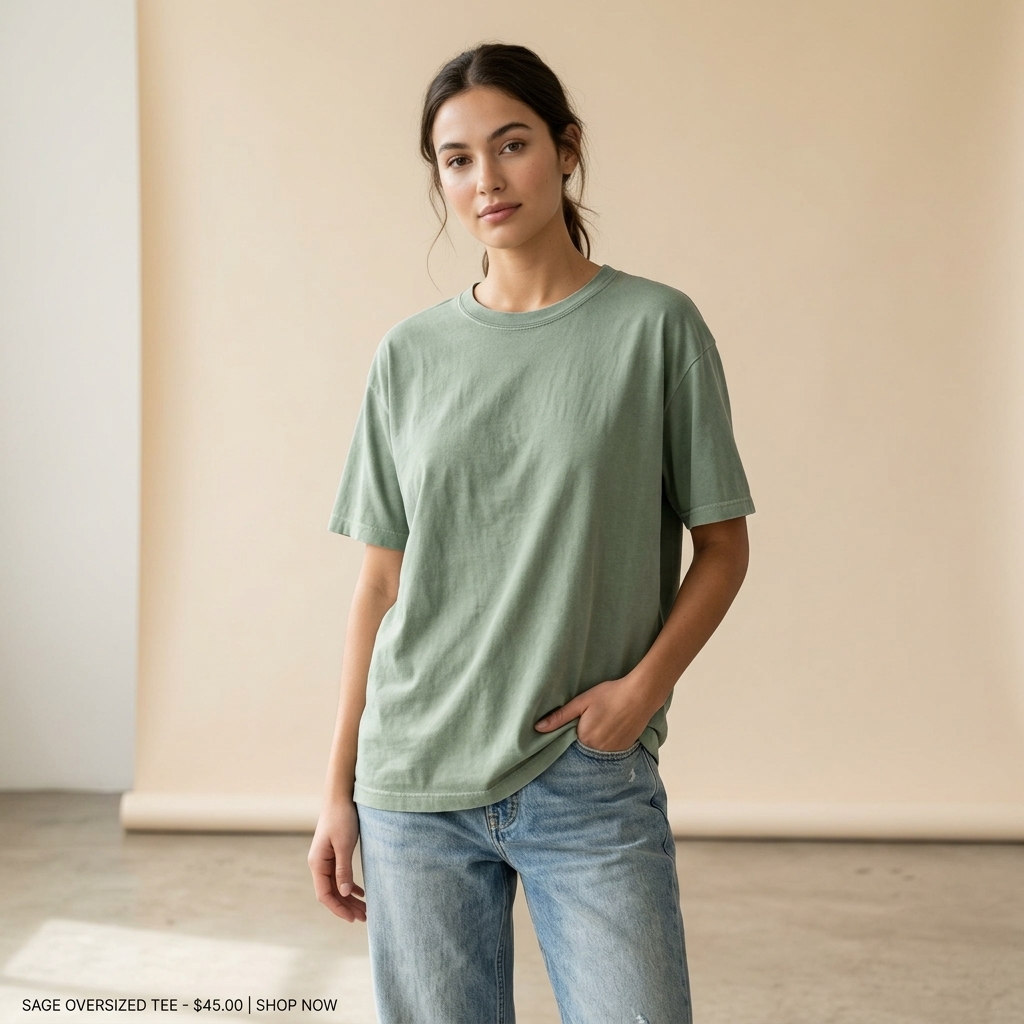
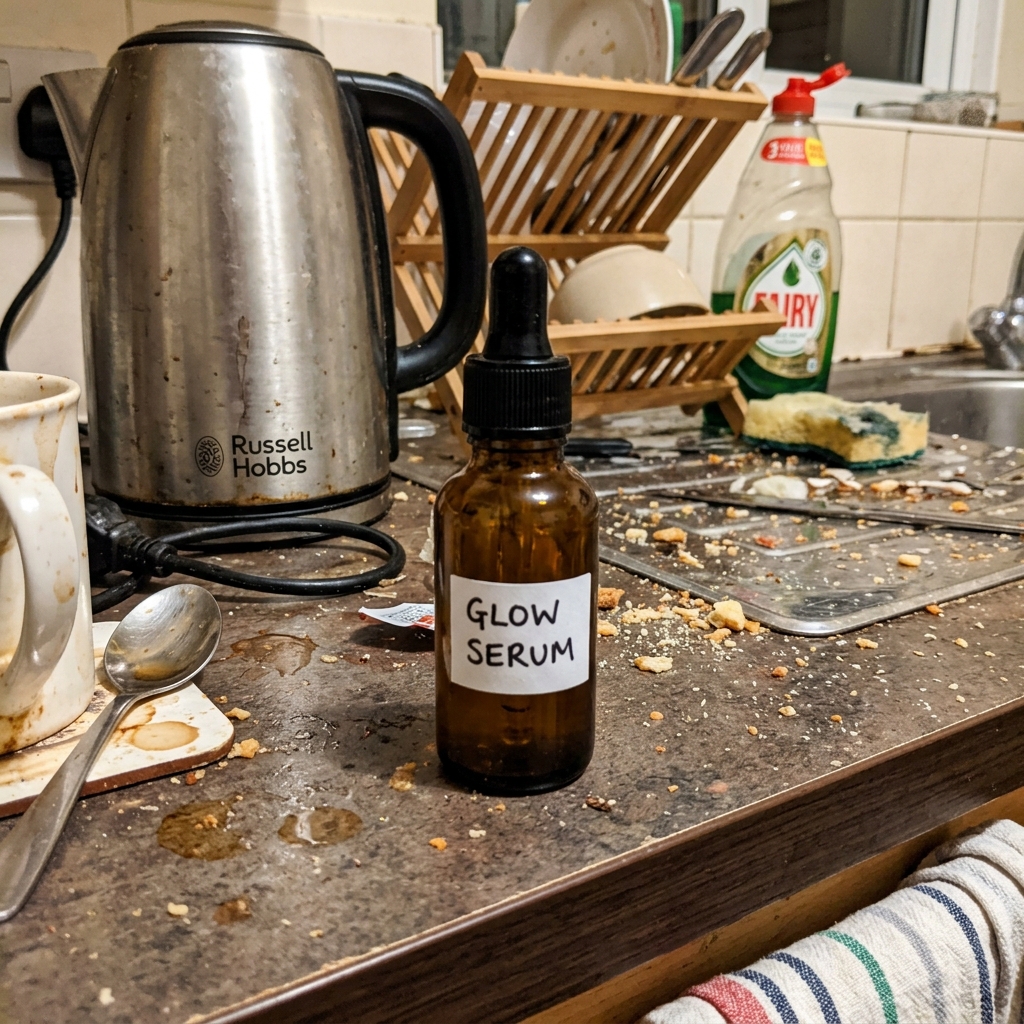
BEFOREAFTERDrag the slider: phone photo on the left, seller.photos result on the right.
PRO TIPS
- Use background removal first, then add a clean colour for marketplace-ready images.