ECOMMERCE · HOW IT WORKS
Amazon A+ Content
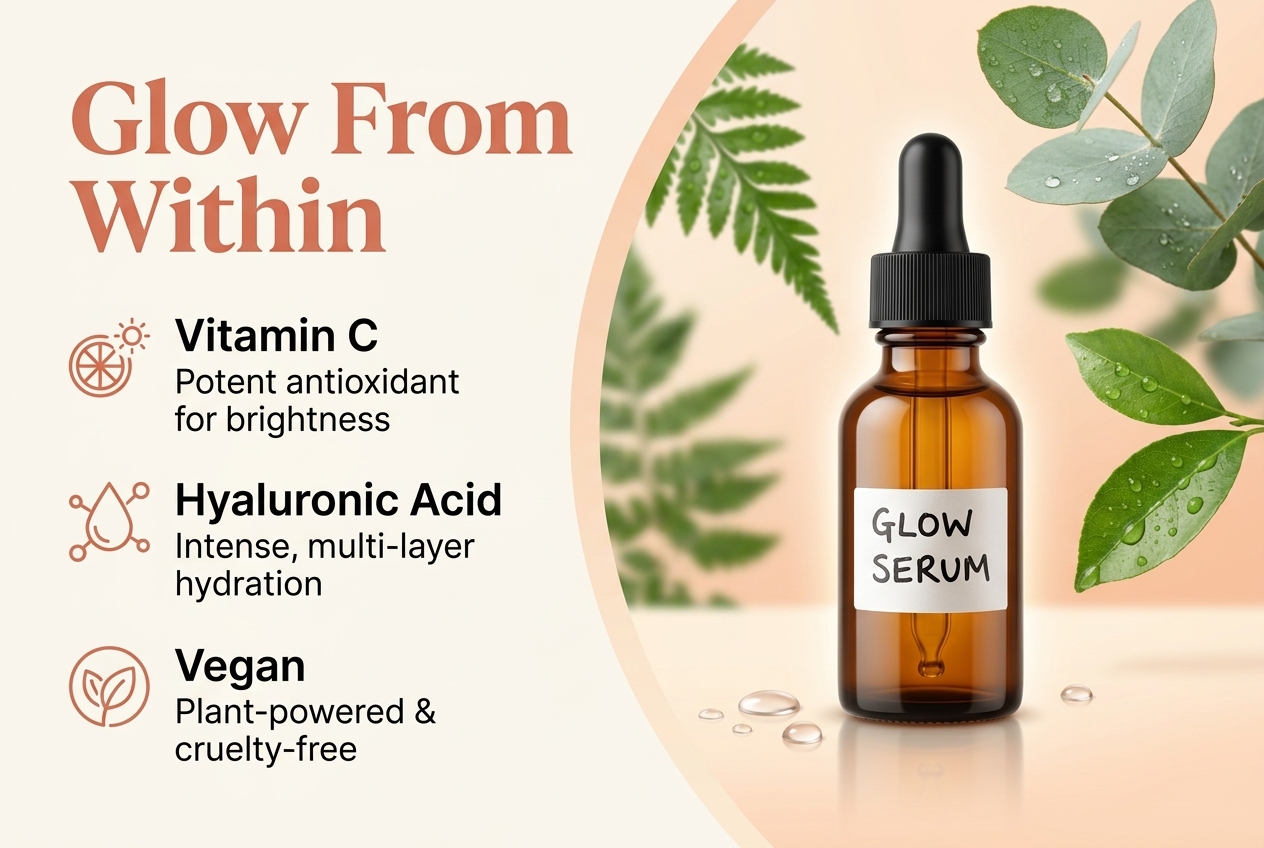
Build premium A+ modules — banners, comparison charts and feature tiles — at the exact sizes Amazon needs.
- 1
Add your product
ASIN or photos plus your key benefits.
- 2
Choose modules
Header banner, feature tiles, comparison chart, brand story.
- 3
Generate
Images come out at the exact A+ pixel sizes.
- 4
Upload to Seller Central
Download and drop them into A+ Content Manager.
⇆
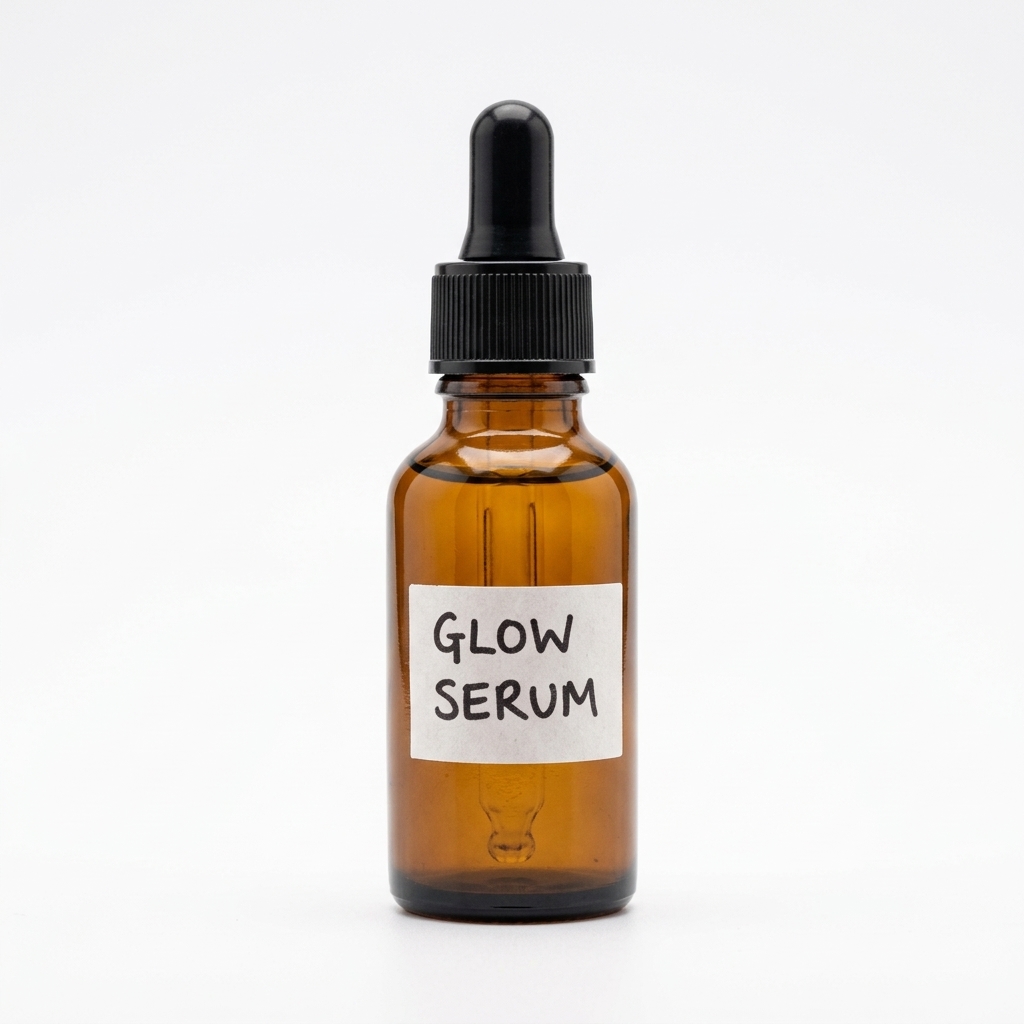
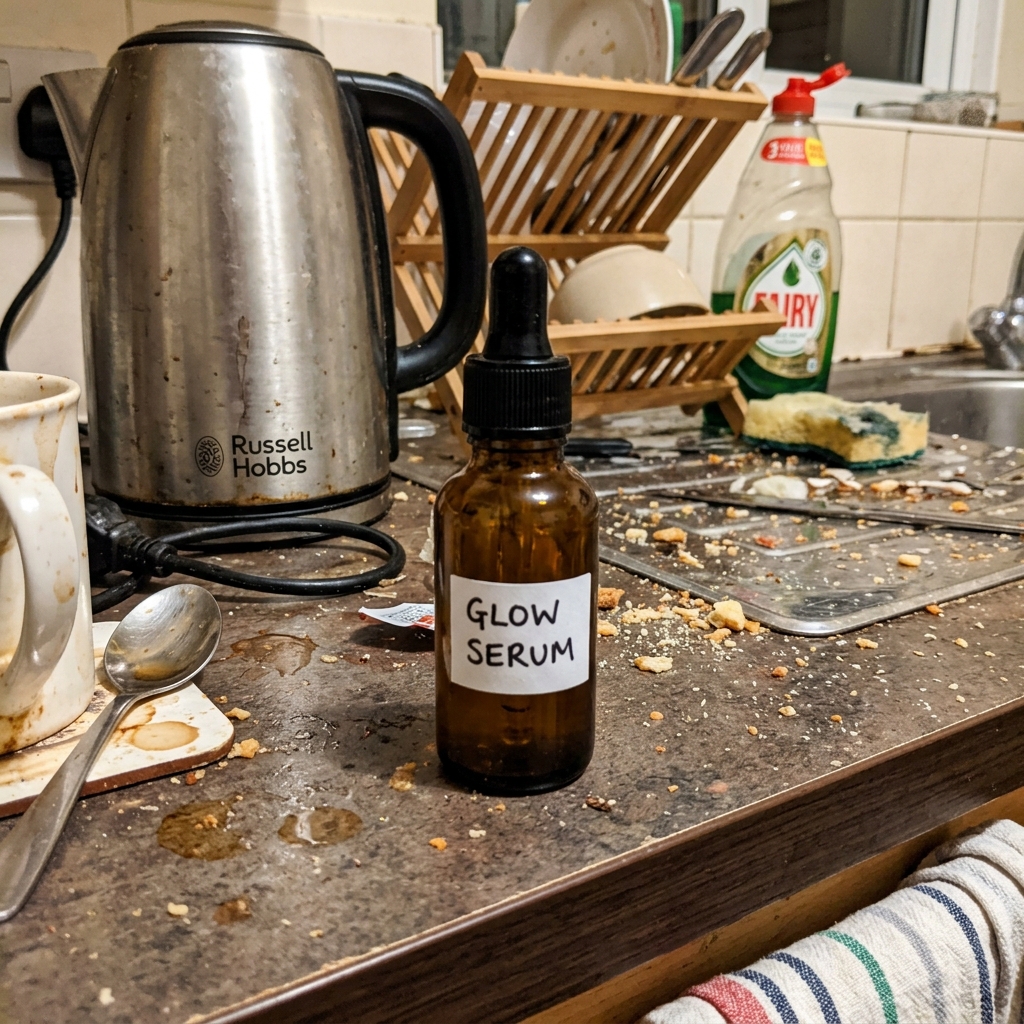
BEFOREAFTERDrag the slider: phone photo on the left, seller.photos result on the right.
PRO TIPS
- Lead with the single biggest benefit in the header banner.
- Keep text large — most shoppers view A+ on mobile.