ECOMMERCE · HOW IT WORKS
Shopify Product Images
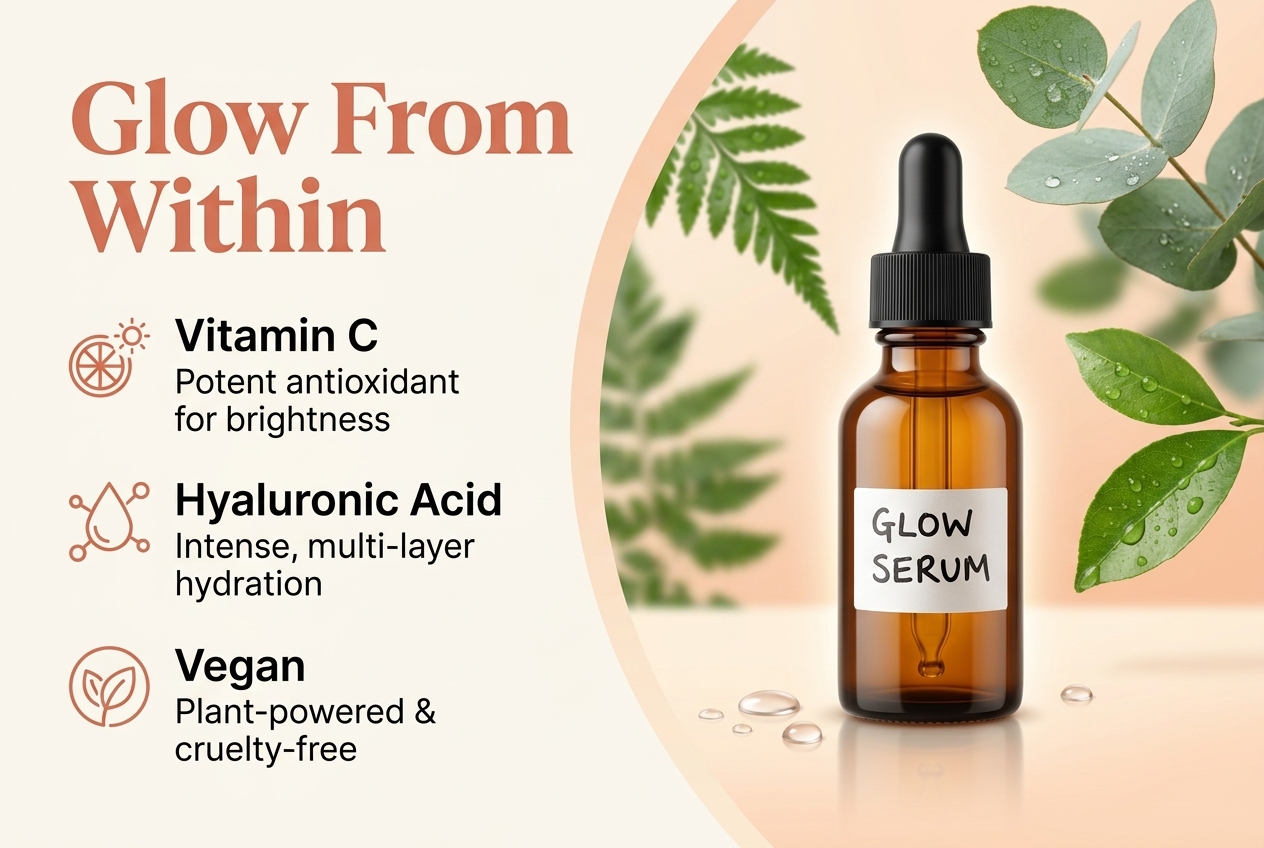
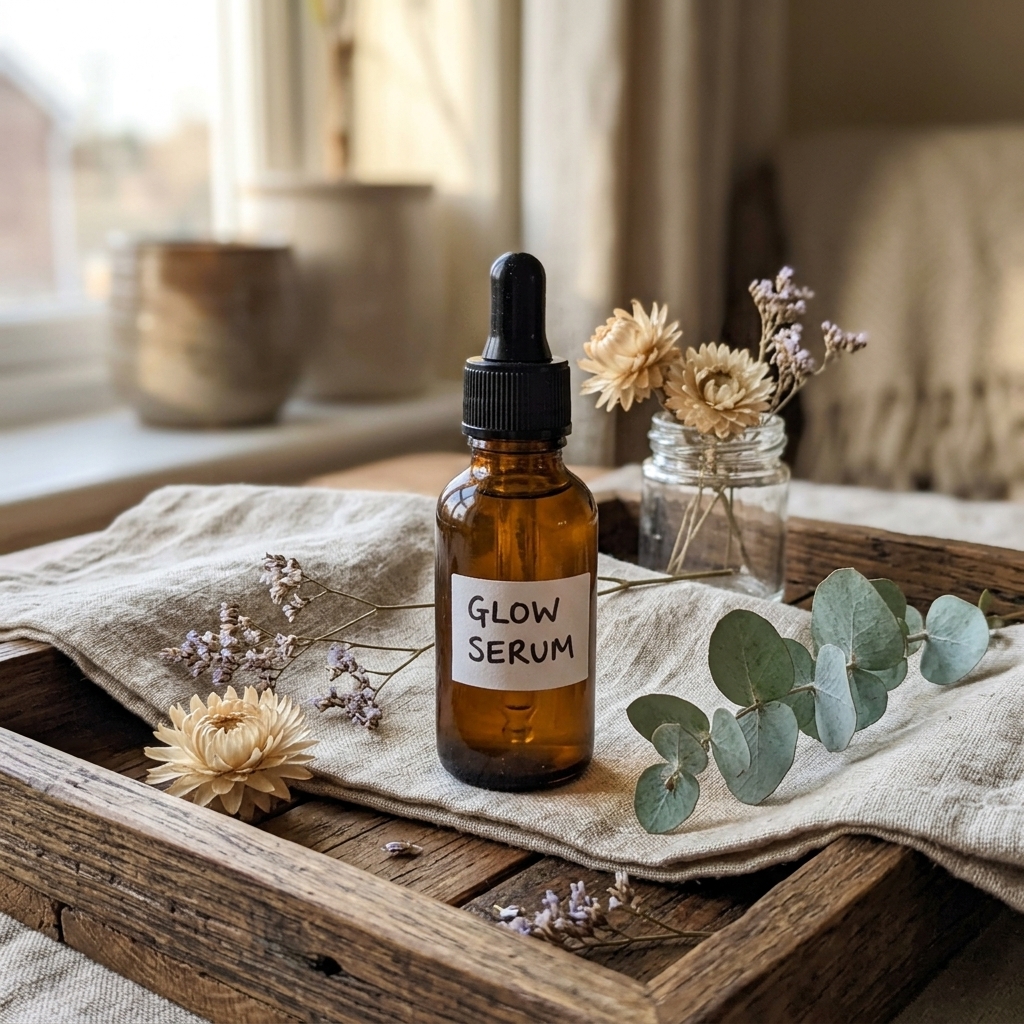
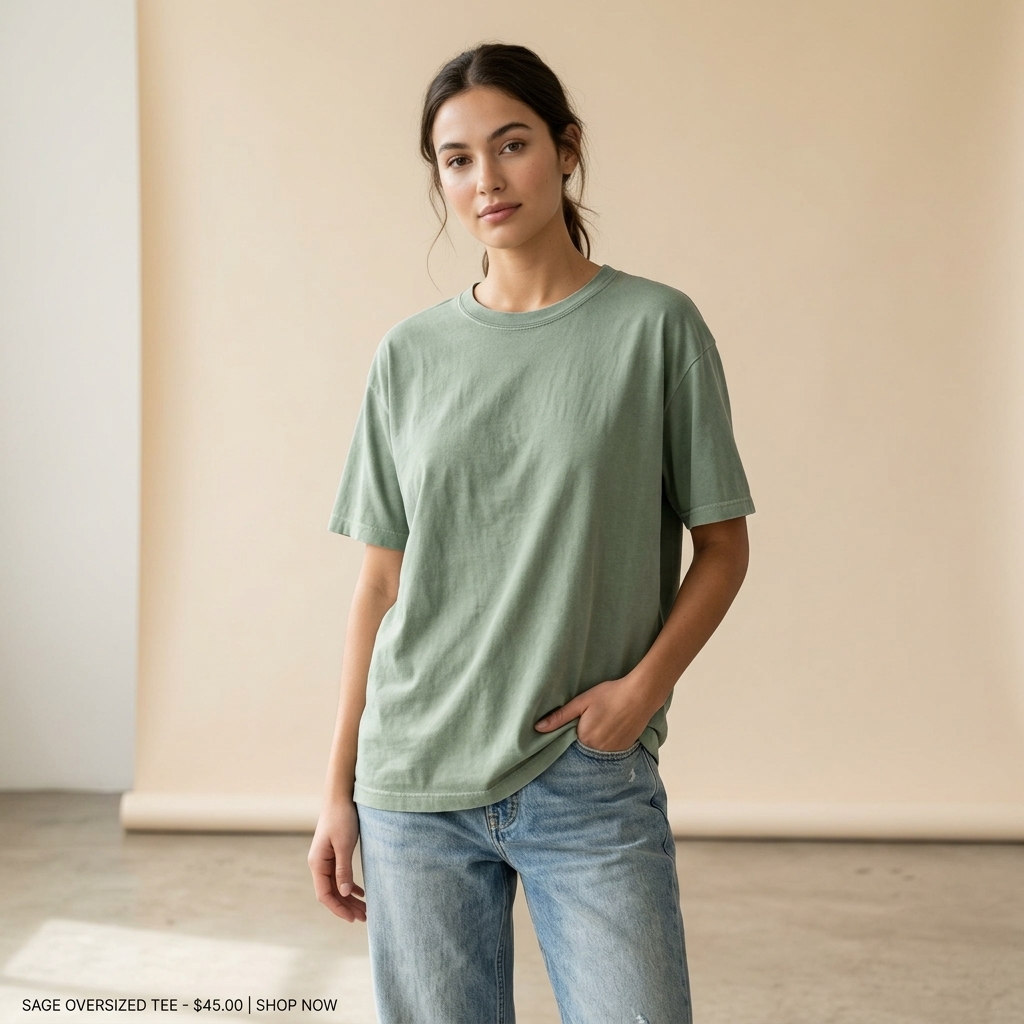
Clean, consistent editorial shots that make your store look like a premium brand.
- 1
Upload your product
Any photo works.
- 2
Pick your store style
Minimal, luxury, bold colour or natural textures — apply your Brand Kit.
- 3
Generate
Consistent square or portrait images for collections and product pages.
- 4
Upload to Shopify
Same style across every product = a store that converts.


⇆
BEFOREAFTERDrag the slider: phone photo on the left, seller.photos result on the right.
PRO TIPS
- Use the same backdrop for a whole collection for a clean grid.
- Add one lifestyle shot per product to help shoppers imagine it.