SOCIAL MEDIA · HOW IT WORKS
Social Media Images
Create scroll-stopping posts, stories and ads sized for every network, in your brand style.
- 1
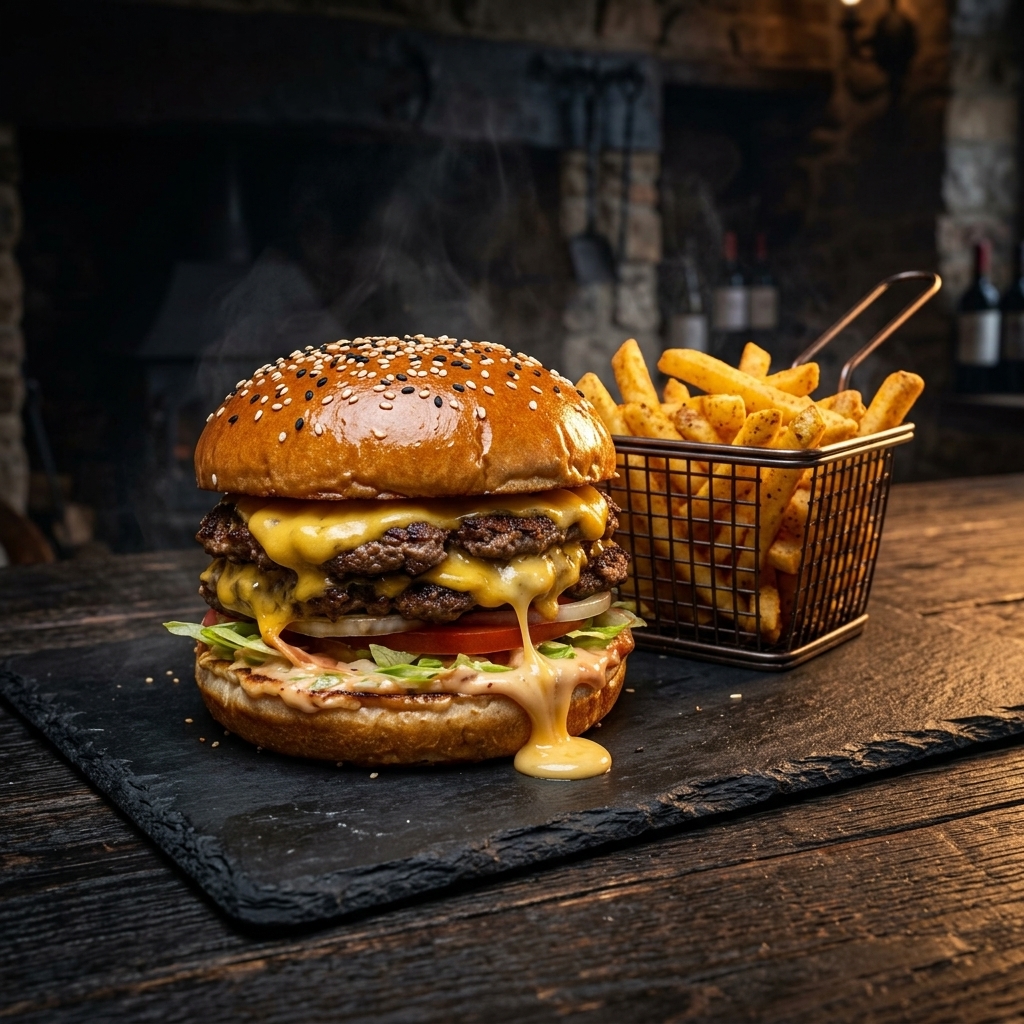
Upload a photo
Use any product or dish photo, or an image you've already made.
- 2
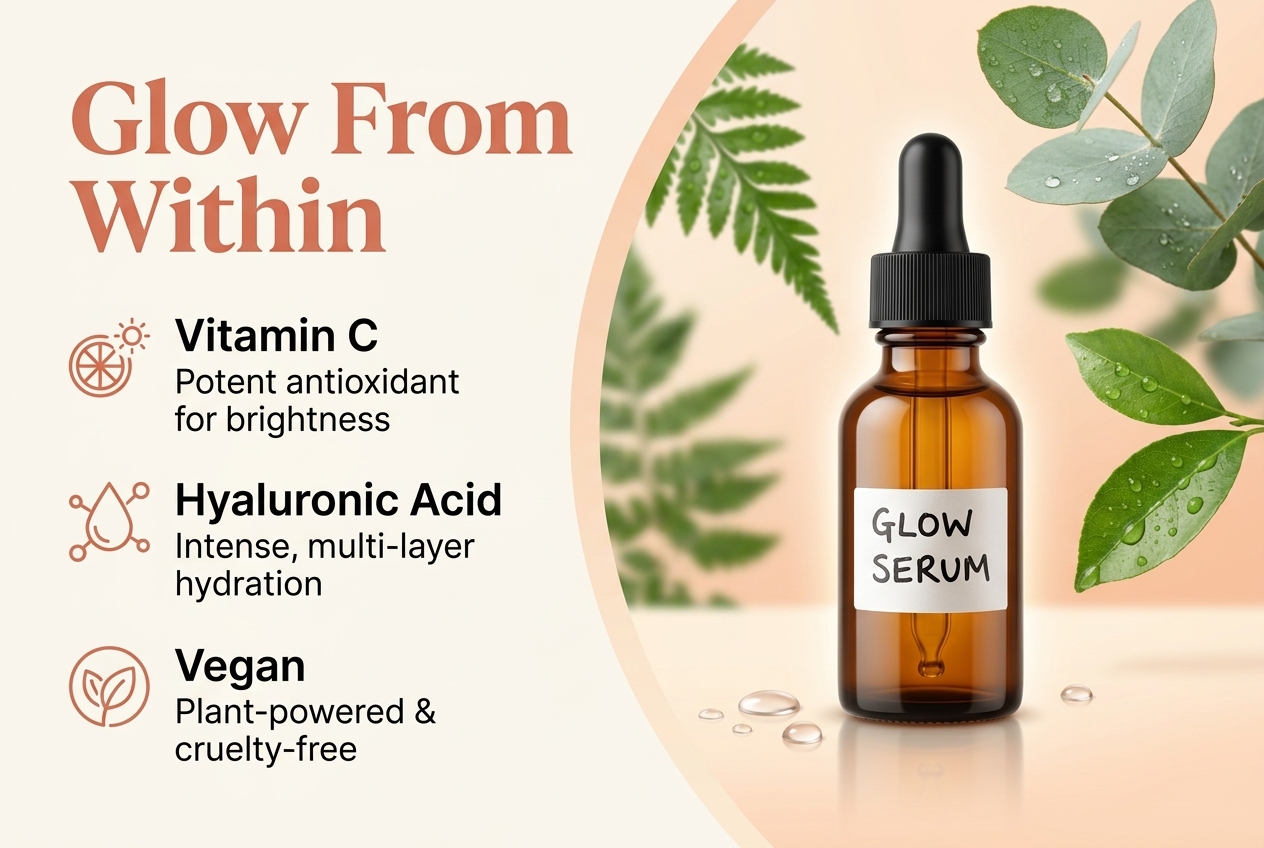
Choose formats
Instagram feed & story, TikTok, Facebook, Pinterest, LinkedIn, X and Threads.
- 3
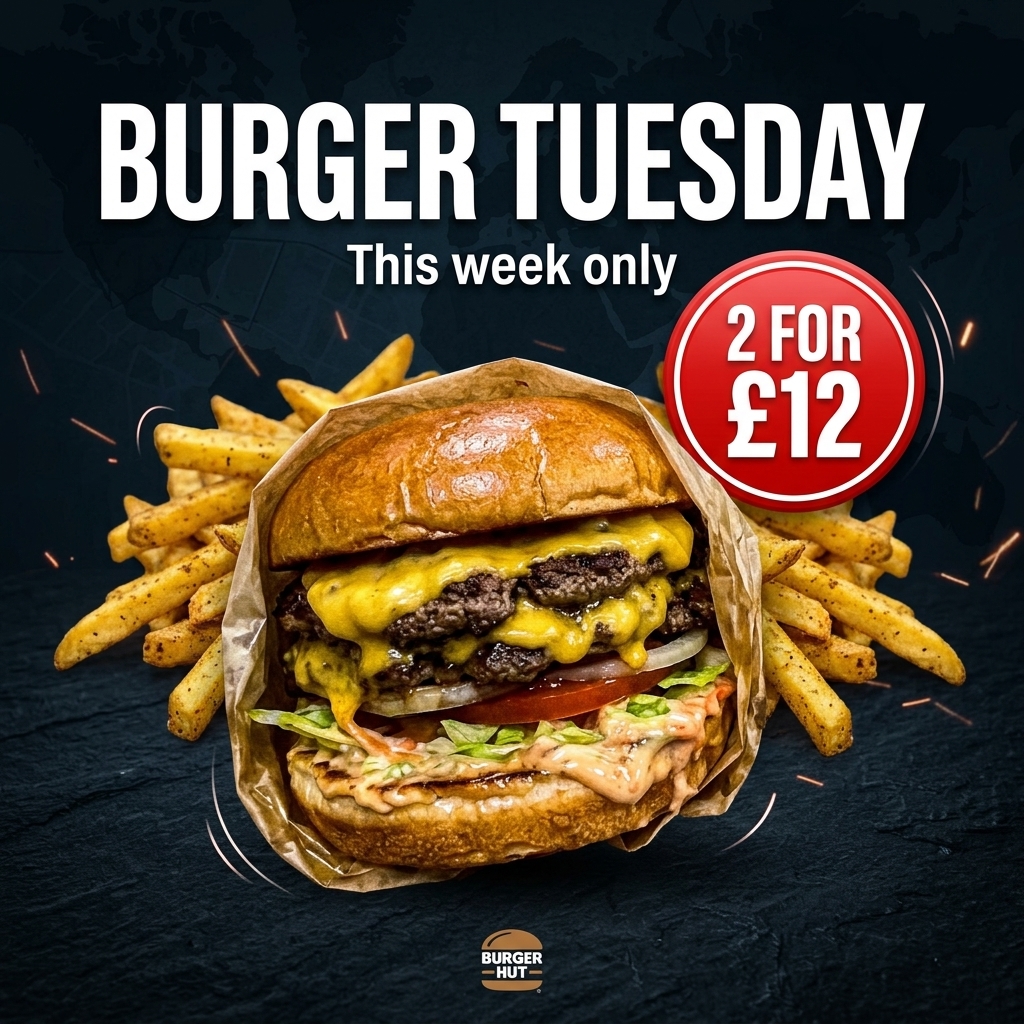
Add your message
Promo text, offer or launch — plus your Brand Kit colours and logo.
- 4
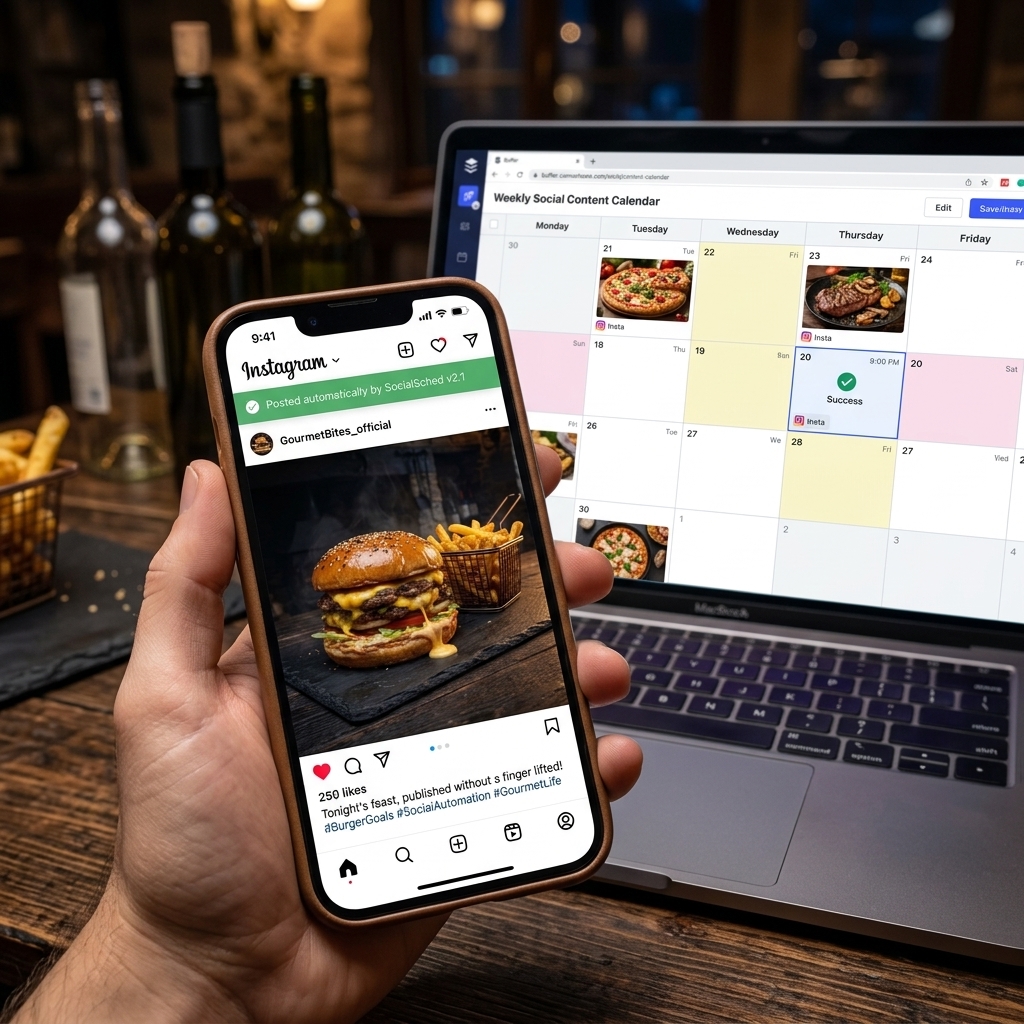
Post or schedule
Send to the Social Planner with AI-written captions and hashtags.

⇆
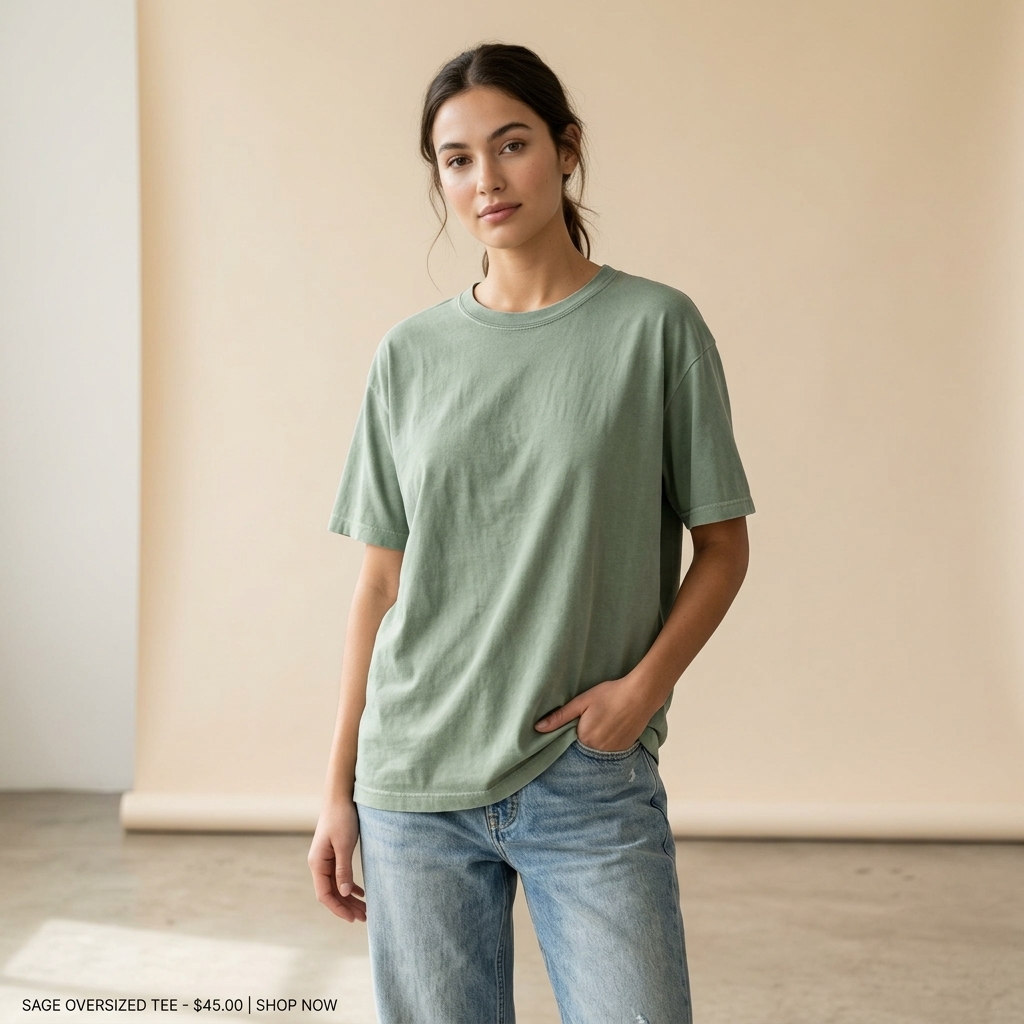
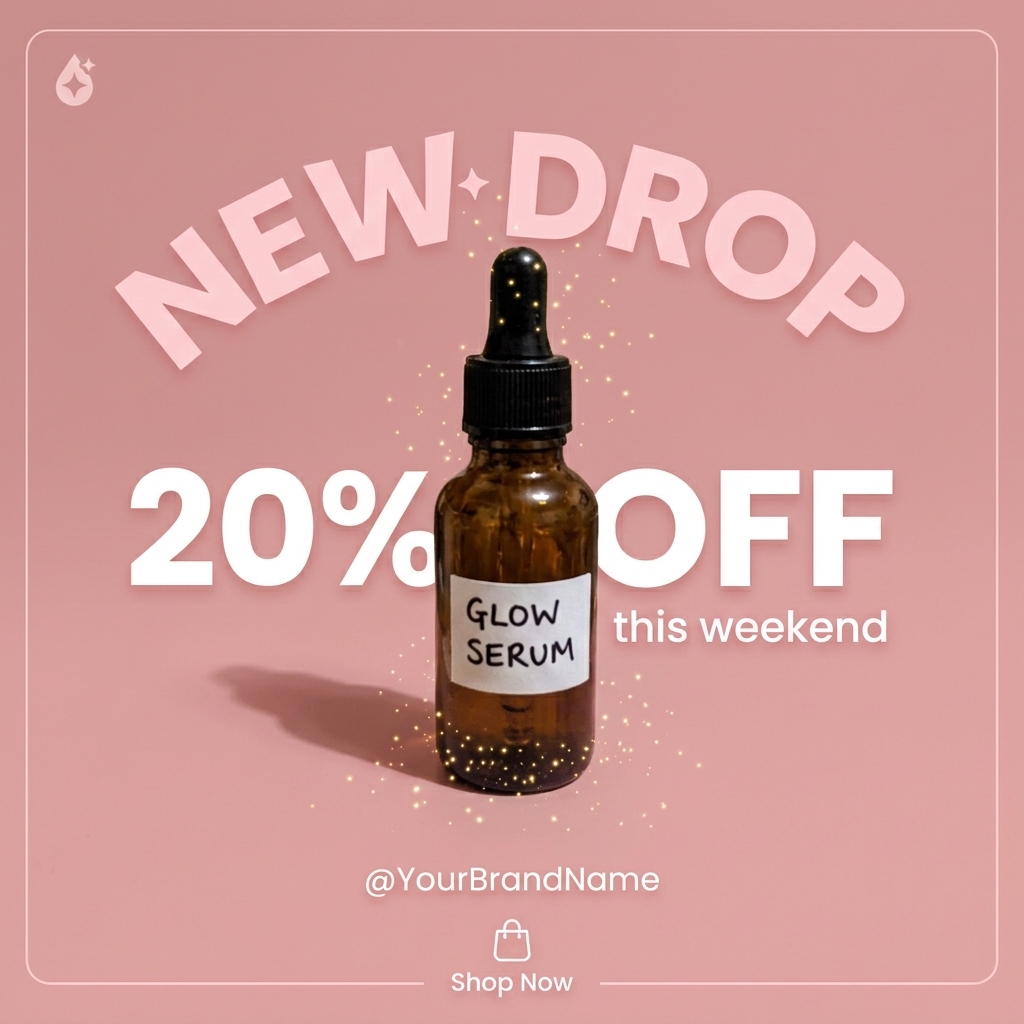
BEFOREAFTERDrag the slider: phone photo on the left, seller.photos result on the right.
PRO TIPS
- One idea per post — a single clear offer converts best.
- Use stories for time-limited deals and the feed for evergreen content.