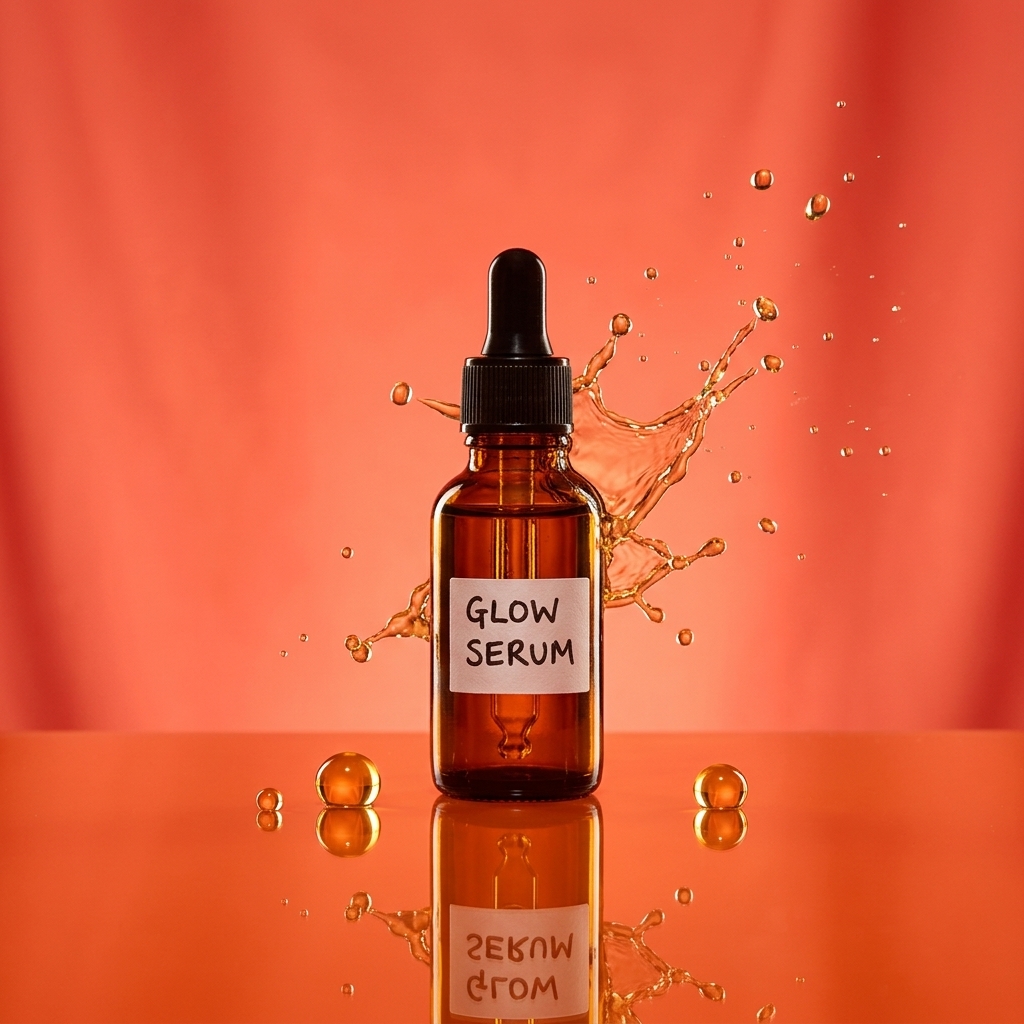
ECOMMERCE · HOW IT WORKS
Amazon Listing Images
Paste an ASIN or upload photos and get a compliant main image, infographics and lifestyle shots.
- 1
Paste an ASIN or upload
We fetch your current images and read the title and bullet points.
- 2
Choose the set
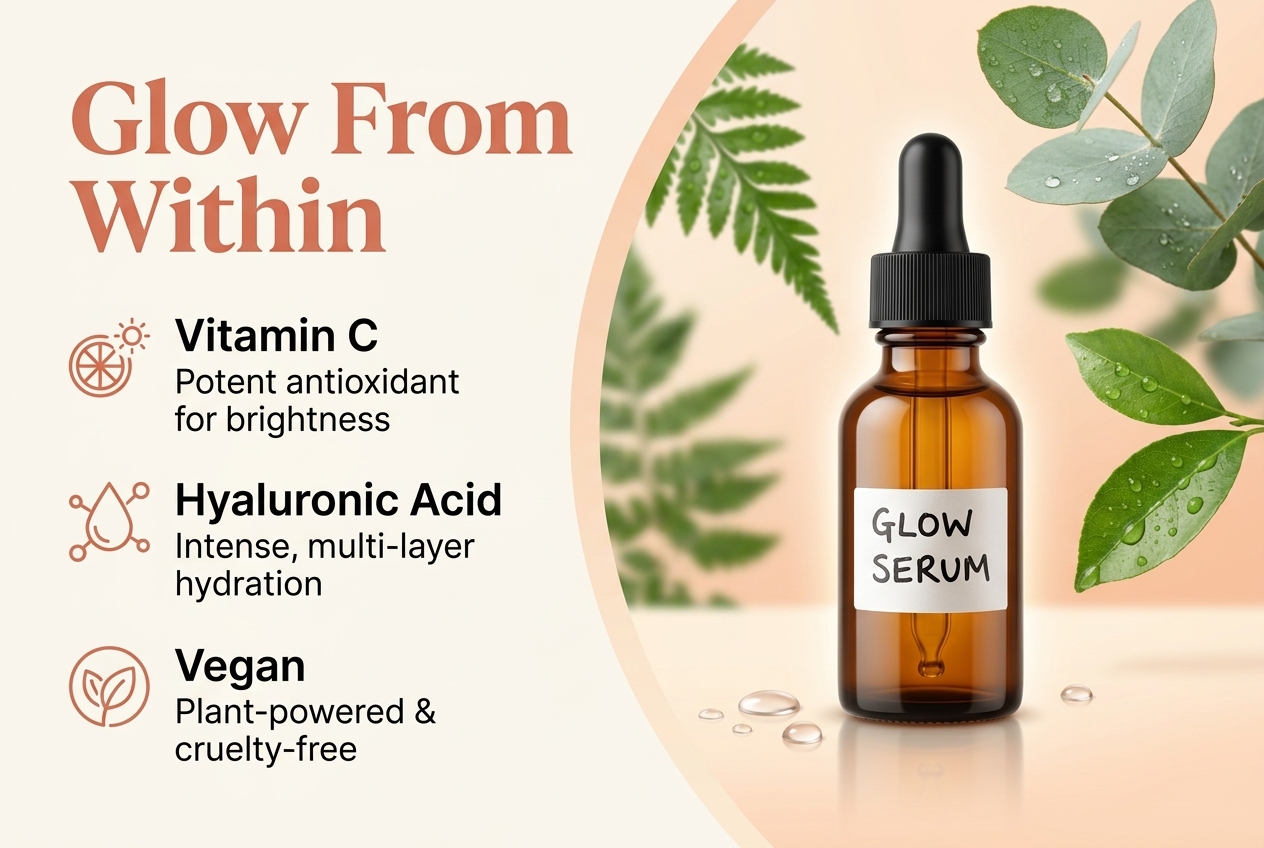
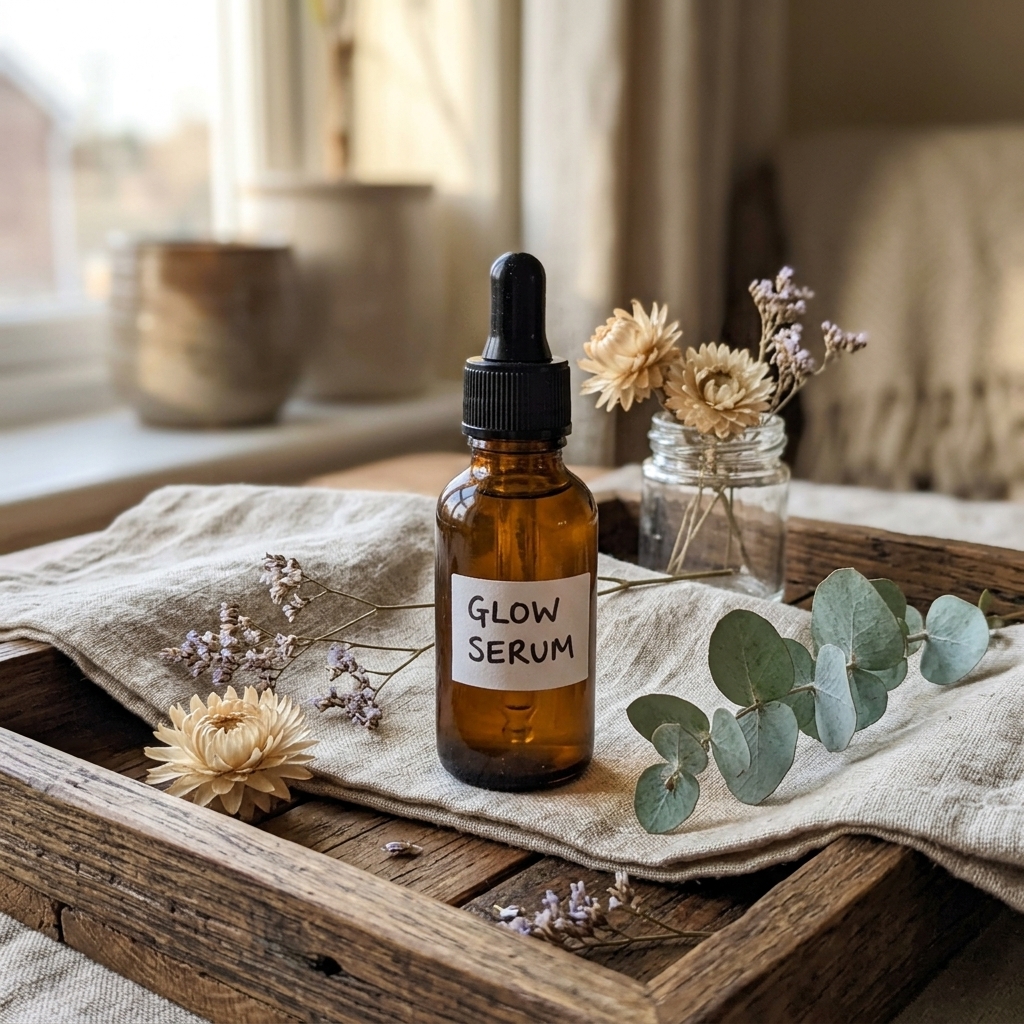
Main image (pure white), infographics, lifestyle, size & scale, comparison.
- 3
Generate
Get Amazon-ready 2K or 4K images that follow the image requirements.
- 4
Download & upload
Grab single images or the whole set as a ZIP.
⇆
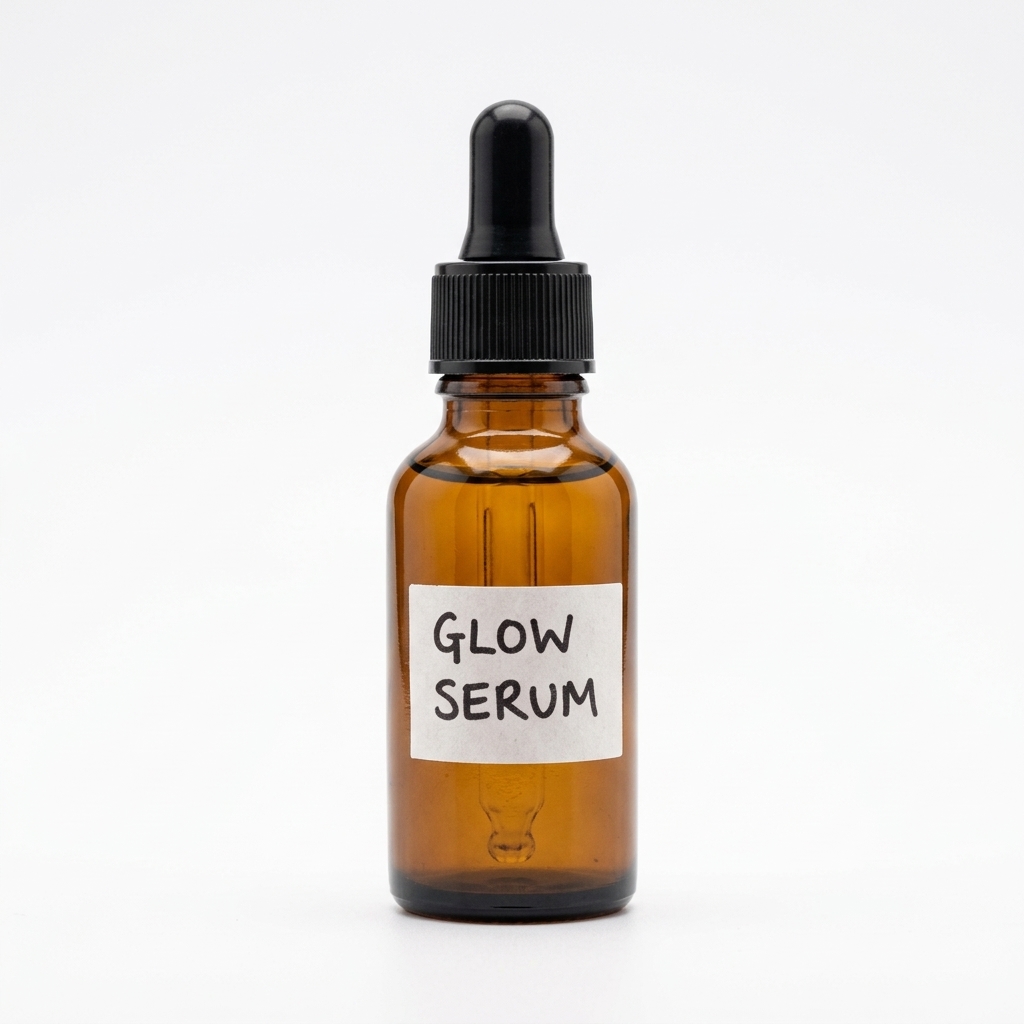
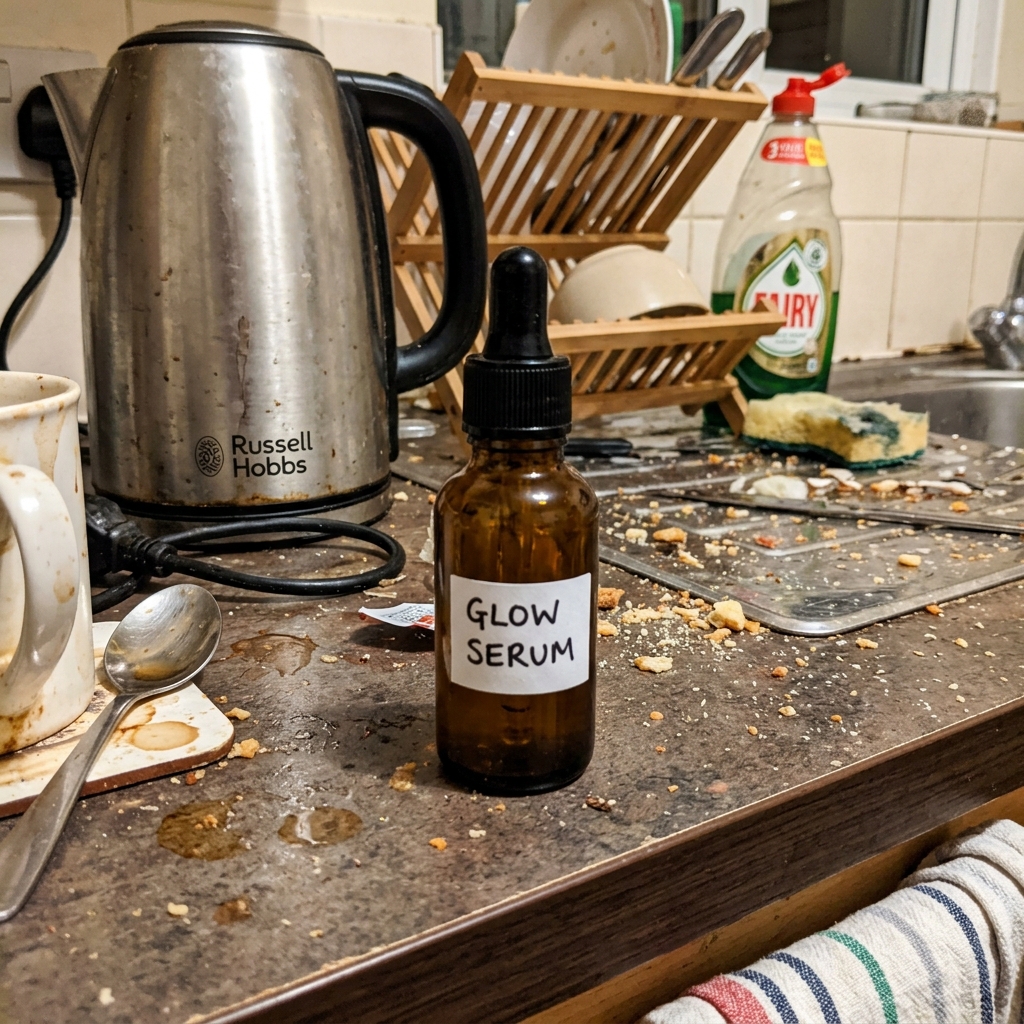
BEFOREAFTERDrag the slider: phone photo on the left, seller.photos result on the right.
PRO TIPS
- Amazon sometimes blocks automatic lookups — if fetching fails, upload your photos instead.
- Your main image must be on pure white with the product filling 85% of the frame.